What Is IPTV? A Complete Beginner’s Guide to IPTV
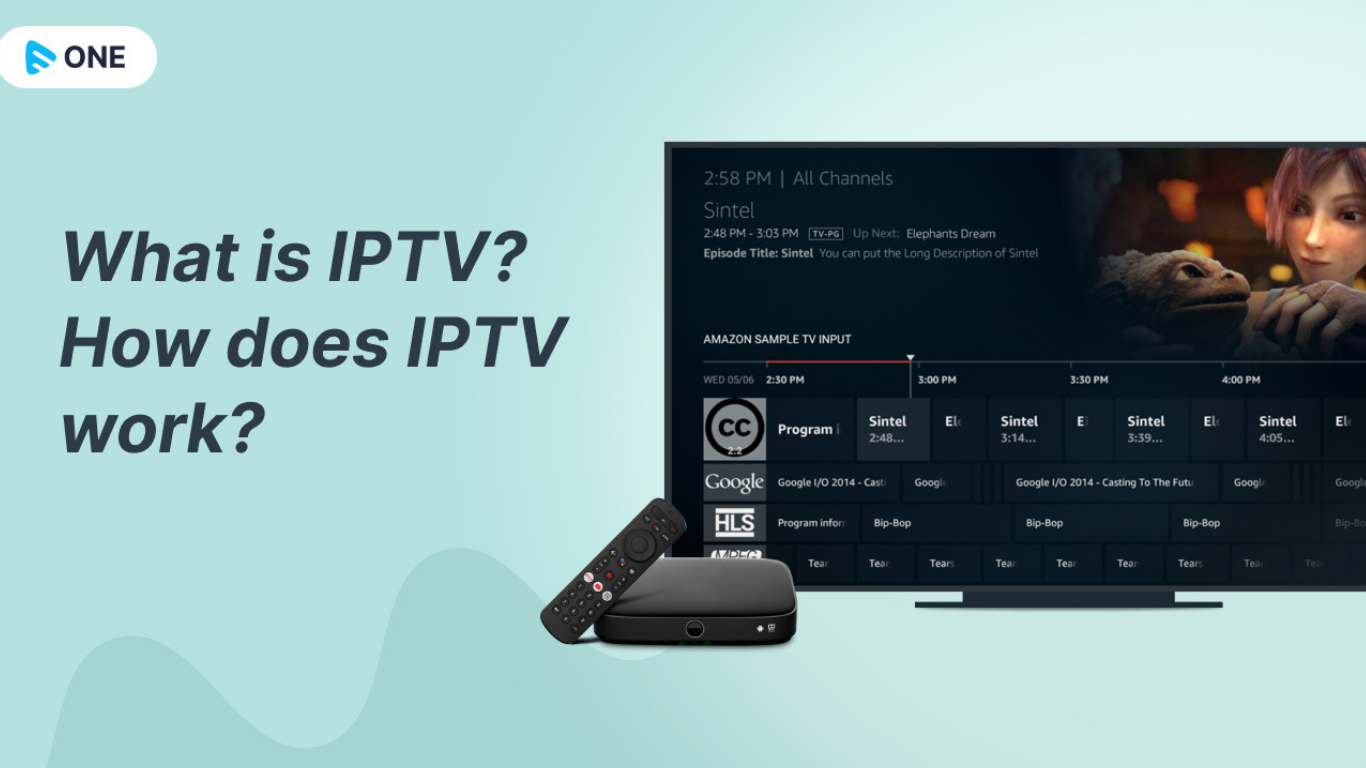
The way people watch television has changed dramatically over the last decade. Traditional cable and satellite TV are no longer the only options available. Today, millions of people choose
IPTV UK because it offers greater flexibility, more content, and the convenience of streaming TV through an internet connection instead of a satellite dish or cable line.
If you're new to IPTV, this guide explains everything you need to know. It covers what IPTV is, how it works, what equipment you need, and how you can get started safely.
What Is IPTV?
IPTV stands for Internet Protocol Television. Instead of delivering television channels through traditional cable or satellite signals, IPTV sends TV content over an internet connection using Internet Protocol (IP). This allows viewers to watch live TV, movies, TV series, and on-demand content on a wide range of internet-connected devices.
Unlike conventional television broadcasting, IPTV only streams the content you request, making it more efficient and interactive.
How Does IPTV Work?
Traditional television broadcasts every available channel simultaneously. With IPTV, content is delivered only when you select it.
The process is simple:
- The IPTV provider stores live TV channels and video content on secure servers.
- You subscribe to the IPTV service.
- The provider supplies login details, such as an M3U playlist or Xtream Codes.
- You install an IPTV player or app on your preferred device.
- The app connects to the provider's servers through your internet connection.
- You instantly begin streaming live channels or on-demand content.
Because everything is delivered over broadband, there is no need for a satellite dish or cable installation.
Types of IPTV
Most IPTV services offer three primary categories.
1. Live Television
Live IPTV streams television channels in real time, just like traditional broadcasting. This includes:
- News
- Sports
- Entertainment
- Kids channels
- International TV
Many users switch to IPTV primarily for access to live sports and global channels.
2. Video on Demand (VOD)
Video on Demand allows users to watch movies and television shows whenever they choose.
Instead of waiting for scheduled broadcasts, viewers simply browse the available library and start watching immediately.
3. Catch-Up TV
Catch-Up TV lets viewers watch programmes they previously missed.
Many IPTV services provide access to programmes broadcast over the last few days, making it easier to stay up to date without recording shows.
Benefits of IPTV
There are many reasons why IPTV continues to grow in popularity.
Large Content Library
Many IPTV providers offer thousands of television channels alongside extensive collections of films and TV series.
Watch Anywhere
Since IPTV works over the internet, users can watch content almost anywhere with a stable broadband connection.
Popular devices include:
- Smart TVs
- Android TV
- Amazon Firestick
- Android phones
- iPhones
- Windows PCs
- Mac computers
- Tablets
Better Value
Many IPTV subscriptions cost less than traditional cable or satellite television while providing access to a broader selection of channels and content.
High-Quality Streaming
A reliable IPTV provider may support:
Streaming quality depends on both the provider and your internet speed.
Flexible Viewing
Unlike traditional TV schedules, IPTV gives users the freedom to choose what they watch and when they watch it.
What Do You Need for IPTV?
Getting started with IPTV is relatively simple.
You'll need:
A Reliable Internet Connection
Recommended speeds are:
- 10 Mbps for HD streaming
- 25 Mbps or higher for 4K streaming
- Faster connections if multiple devices are streaming simultaneously.
A Compatible Device
Most IPTV services support:
- Amazon Firestick
- Smart TVs
- Android TV boxes
- Apple TV
- Smartphones
- Tablets
- Windows PCs
- Mac computers
An IPTV Player
Popular options include:
- IPTV Smarters
- TiviMate
- XCIPTV
- IBO Player
- Smart IPTV
The player simply displays the content supplied by your IPTV provider.
An IPTV Subscription
After choosing a provider, you'll receive login credentials that allow your IPTV player to access the service.
How to Get IPTV
If you're wondering how to get IPTV, the process is straightforward.
Step 1: Choose a Trusted IPTV Provider
Research providers carefully before subscribing.
Look for:
- Stable servers
- Good customer support
- High streaming quality
- Wide channel selection
- Positive customer reviews
Step 2: Select a Subscription Plan
Many providers offer:
- Monthly plans
- Quarterly plans
- Annual subscriptions
Some also provide free trials so you can test the service before purchasing.
Step 3: Install an IPTV App
Download a compatible IPTV player on your preferred device.
Installation usually takes only a few minutes.
Step 4: Enter Your Login Details
Your provider will send credentials such as:
- Username
- Password
- Server URL
- M3U Playlist
- Xtream Codes
Enter these details into your IPTV application.
Step 5: Start Watching
Once connected, you'll have access to live television, movies, and on-demand entertainment.
Is IPTV Legal?
The IPTV technology itself is completely legal. Whether a particular IPTV service is legal depends on whether it has the necessary rights to distribute the content it offers. Users should choose providers that operate with appropriate licensing and comply with applicable copyright laws.
Common Devices That Support IPTV
Modern IPTV services work on many platforms.
These include:
- Amazon Firestick
- Fire TV Cube
- Android TV
- Samsung Smart TV
- LG Smart TV
- Apple TV
- NVIDIA Shield
- Chromecast
- Windows PC
- Mac
- Android phones
- iPhone
- iPad
Many households even use IPTV across multiple devices simultaneously.
IPTV vs Traditional Cable TV
| Internet Required | Yes | No |
| Installation | Easy | Usually requires technician |
| Device Support | Multiple devices | Mostly television |
| On-Demand Content | Yes | Limited |
| Live TV | Yes | Yes |
| Flexibility | Very High | Moderate |
| Travel Friendly | Yes | Usually No |
Tips for Choosing the Best IPTV Provider
Not every IPTV provider delivers the same experience.
Before subscribing, consider:
- Server reliability
- HD and 4K support
- Electronic Programme Guide (EPG)
- Fast customer support
- Device compatibility
- Trial availability
- Regular content updates
- Stable streaming with minimal buffering
Taking time to compare providers can help you avoid poor-quality services.
Frequently Asked Questions
What does IPTV stand for?
IPTV stands for Internet Protocol Television, which delivers television content over an internet connection rather than through cable or satellite.
Do I need fast internet for IPTV?
Yes. A stable broadband connection is essential. Around 10 Mbps is generally suitable for HD streaming, while 25 Mbps or more is recommended for 4K content.
Can I watch IPTV on my Smart TV?
Yes. Most modern Smart TVs support IPTV applications or compatible media players.
Can IPTV be used on multiple devices?
Many
IPTV providers allow multiple supported devices, though the number of simultaneous streams depends on your subscription.
Do I need a satellite dish?
No. IPTV uses your internet connection, so a satellite dish is unnecessary.
Is IPTV better than cable TV?
For many users, IPTV offers more flexibility, broader device support, and access to live TV alongside on-demand content. The best option depends on your viewing preferences and the quality of your internet connection.
Final Thoughts
IPTV has transformed how people watch television by replacing traditional cable and satellite delivery with internet-based streaming. It offers flexibility, access to live channels, on-demand entertainment, and compatibility with a wide variety of devices.
If you're looking for a modern way to enjoy television, choose a reputable and appropriately licensed IPTV provider, install a compatible player, and use a reliable broadband connection for a smooth viewing experience. Whether you enjoy live sports, international channels, films, or television series, IPTV offers an accessible alternative to traditional TV services.
