IPTV UK on Android TV: The Complete Guide for Smooth Streaming
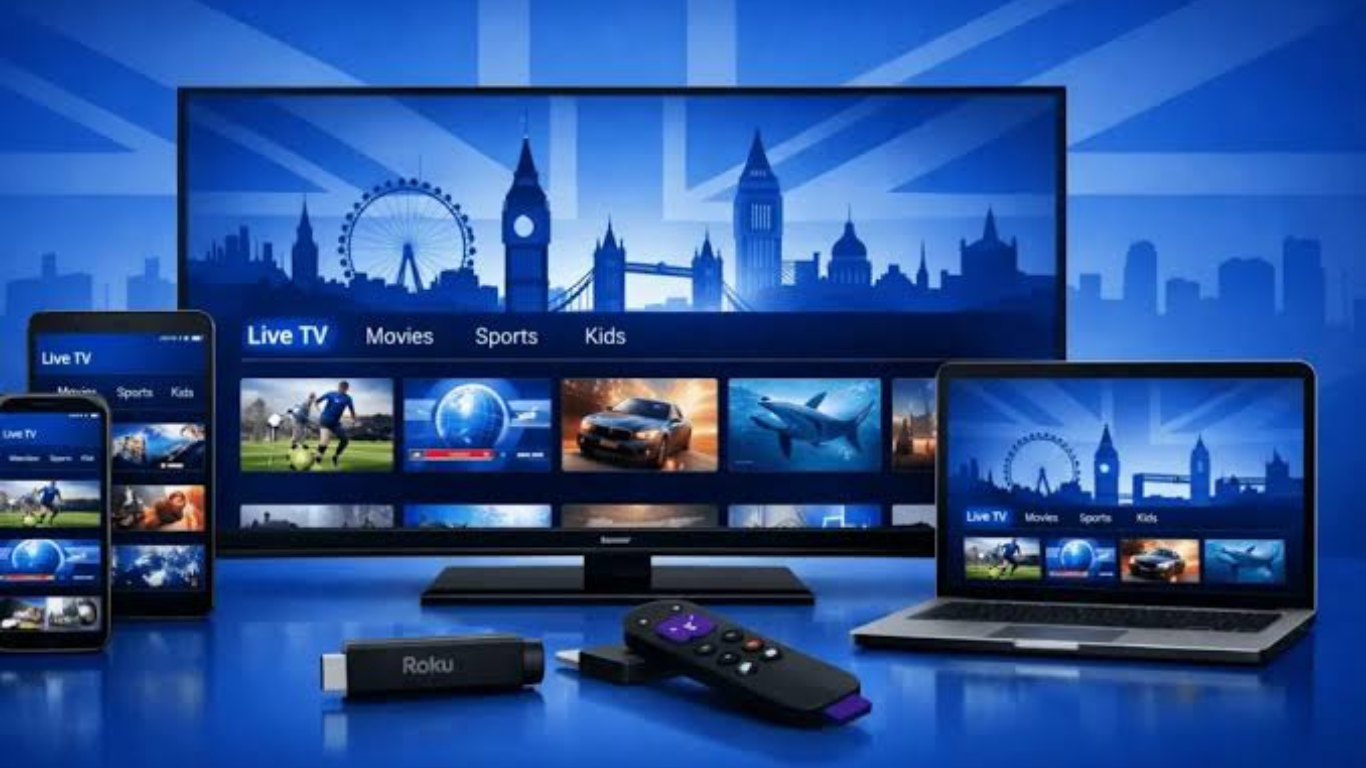
Android TV has become one of the most popular platforms for home entertainment in the UK. Whether you own a Sony, TCL, Philips, Hisense, Xiaomi TV, or an Android TV Box like the NVIDIA Shield, pairing it with IPTV UK creates a flexible and user-friendly streaming experience.
Unlike traditional television services, IPTV delivers live TV channels, movies, sports, and on-demand content through your internet connection. With the right Android TV device and a reliable IPTV player, you can enjoy high-quality streaming without complicated hardware installations.
In this guide, you'll learn everything about using IPTV on Android TV, including setup, recommended apps, troubleshooting, and optimisation tips for the best viewing experience.
Note: Always use IPTV services that are properly licensed for the content they provide and follow applicable copyright laws.
What Is IPTV?
IPTV stands for Internet Protocol Television. Instead of receiving television through satellite or cable signals, content is streamed over an internet connection.
A typical IPTV service may include:
- Live television channels
- Sports broadcasts
- Movies
- TV series
- Video on Demand (VOD)
- Electronic Programme Guide (EPG)
Modern IPTV players commonly support M3U playlists or Xtream Codes login credentials supplied by a provider.
Why Android TV Is Ideal for IPTV
Android TV is one of the best operating systems for IPTV because it provides flexibility, excellent app support, and an easy-to-use interface.
Some major advantages include:
- Google Play Store access
- Fast hardware performance
- Support for numerous IPTV players
- Voice search functionality
- Chromecast integration
- Remote-friendly navigation
- Regular software updates
Since Android TV supports dedicated IPTV applications, setup is usually straightforward compared with many proprietary Smart TV platforms.
Devices That Support IPTV
You can enjoy IPTV on many Android TV devices, including:
- Sony Android TVs
- TCL Android TVs
- Philips Android TVs
- Xiaomi Mi Box
- Chromecast with Google TV
- NVIDIA Shield TV
- Mecool Android TV Boxes
- Google TV devices
- Android TV projectors
Most of these devices provide enough processing power for HD and even 4K streaming when paired with a stable internet connection.
Best IPTV Apps for Android TV
Choosing the right IPTV player significantly improves your viewing experience.
Popular options include:
TiviMate
One of the most popular IPTV players thanks to its modern interface and advanced EPG support.
Features include:
- Multi-playlist support
- Recording (supported devices)
- Catch-up support
- Favourites
- Clean TV interface
IPTV Smarters
Suitable for beginners and easy to configure.
Benefits include:
- Xtream Codes support
- Movies and series library
- Multi-screen capability
- User-friendly layout
OTT Navigator
Ideal for advanced users who want extensive customisation.
Features include:
- Powerful filtering
- Advanced search
- Multiple playlist management
- Custom layouts
Perfect Player
A lightweight IPTV player offering:
- Fast performance
- Playlist organisation
- EPG compatibility
- Minimal system requirements
How to Install IPTV on Android TV
Installing IPTV on Android TV is relatively simple.
Step 1
Open the Google Play Store.
Step 2
Search for your preferred IPTV player.
Examples include:
- TiviMate
- IPTV Smarters
- OTT Navigator
Step 3
Install the application.
Step 4
Launch the IPTV player.
Step 5
Enter your IPTV login details.
Depending on your provider, you'll usually receive:
- M3U Playlist URL
- Xtream Codes username
- Password
- Server URL
Step 6
Allow the app to download:
- Channels
- Categories
- TV Guide (EPG)
- Movies
- Series
After loading completes, your content is ready to watch.
Internet Speed Requirements
A reliable internet connection greatly improves IPTV performance.
Recommended speeds:
| SD | 10 Mbps |
| HD | 20 Mbps |
| Full HD | 30 Mbps |
| 4K UHD | 50 Mbps or higher |
Using Ethernet instead of Wi-Fi often provides a more stable experience, particularly for high-resolution streams.
Tips for Better IPTV Performance
To maximise streaming quality:
- Use wired Ethernet whenever possible.
- Restart your router regularly.
- Keep Android TV updated.
- Update your IPTV application.
- Clear application cache occasionally.
- Close unused background apps.
- Use modern Android TV hardware.
These small improvements can reduce buffering and improve overall responsiveness.
Common IPTV Problems and Solutions
Buffering
Possible causes include:
- Slow internet
- Busy servers
- Weak Wi-Fi signal
Solutions:
- Switch to Ethernet
- Restart your router
- Reduce other network usage.
Playlist Not Loading
Check:
- Username
- Password
- Server URL
- Playlist URL
Incorrect credentials are one of the most common setup issues.
EPG Missing
Refresh the TV Guide.
Most IPTV applications include a manual EPG refresh option.
App Crashing
Try:
- Clearing cache
- Updating the app
- Reinstalling the application
- Restarting Android TV
Features to Look for in an IPTV Player
The best IPTV applications usually include:
- Electronic Programme Guide
- Catch-up TV
- Recording support
- Search function
- Favourite channels
- Multiple playlists
- Movie library
- TV series support
- Multi-screen viewing
- Fast channel switching
These features make navigation easier and create a more familiar television experience.
Is Android TV Better Than Fire TV for IPTV?
Both platforms are widely used, but Android TV offers some advantages:
| Google Play Store | Amazon App Store |
| Greater app flexibility | Amazon ecosystem |
| Easy updates | Good hardware |
| Chromecast support | Alexa integration |
| Excellent remote navigation | Voice control |
Android TV is often preferred because many IPTV players are designed specifically for Android-based systems.
Security Tips When Using IPTV
Protect your device by following these best practices:
- Download apps from trusted sources such as the Google Play Store.
- Keep Android TV updated.
- Avoid installing unknown APK files from unverified websites.
- Use strong passwords for your IPTV account.
- Regularly update IPTV applications.
Security researchers have identified malware distributed through fake IPTV apps obtained from unofficial sources, making trusted downloads especially important.
Why Many UK Users Choose IPTV on Android TV
Android TV provides an excellent balance of performance, flexibility, and ease of use.
Users appreciate:
- Fast setup
- Wide app compatibility
- Excellent streaming quality
- Large app ecosystem
- Voice control
- Modern interface
- Easy playlist management
- Frequent software updates
Combined with a quality internet connection, Android TV delivers a reliable viewing experience for legally available IPTV services.
Frequently Asked Questions
Is IPTV legal in the UK?
The technology itself is legal. However, legality depends on whether the service has the rights to distribute the content being streamed.
Which Android TV app is best for IPTV?
Popular choices include TiviMate, IPTV Smarters, OTT Navigator, and Perfect Player, depending on your preferences and required features.
Can I watch 4K using IPTV?
Yes. Your IPTV service, Android TV device, display, and internet connection must all support 4K streaming.
Do I need a VPN?
Some users choose to use a VPN for privacy or to secure their internet connection. Whether one is appropriate depends on your circumstances and local laws.
Can I install IPTV without Google Play?
Some Android TV devices allow app sideloading, though downloading apps from trusted sources is generally safer.
Does IPTV work with Google TV?
Yes. Google TV is built on Android TV, so it supports many of the same IPTV applications.
Conclusion
Using IPTV on Android TV is one of the easiest ways to enjoy internet-based television on a large screen. Android TV offers excellent compatibility with popular IPTV players, a smooth user interface, and support for advanced features such as EPG, catch-up TV, and playlist management.
By choosing a reliable Android TV device, maintaining a stable internet connection, and using trusted IPTV applications, you can create a convenient and enjoyable home entertainment setup. For readers of https://iptvuk.lat/, this guide can serve as a cornerstone resource that naturally supports related articles on IPTV apps, device setup, troubleshooting, and streaming tips.
Conclusion
To conclude, IPTV UK for Samsung Smart TVs provides valuable insights into improving your IPTV experience on any device.
By following the steps in this guide, you can enjoy smooth and high-quality streaming with ease.
Always rely on a trusted IPTV provider, keep your app updated, and maintain a stable internet connection for the best performance.
For reliable IPTV services in the UK, visit
iptvuk.lat —
your go-to destination for premium IPTV UK subscriptions.
Contact Us
Have questions or need assistance? We're here to help!
Get in Touch
Email Us
contact@iptvuk.lat
Available 24/7
Call Us
+447882742512
Available 24/7
Live Chat
Available on our website
Response time: Under 5 minutes
Our Hours
Customer Support: 24/7
Sales Department: Mon-Fri, 9am-6pm GMT
Technical Support: 24/7
