How to Set Up IPTV on Smart TV & Is IPTV Legal in the UK
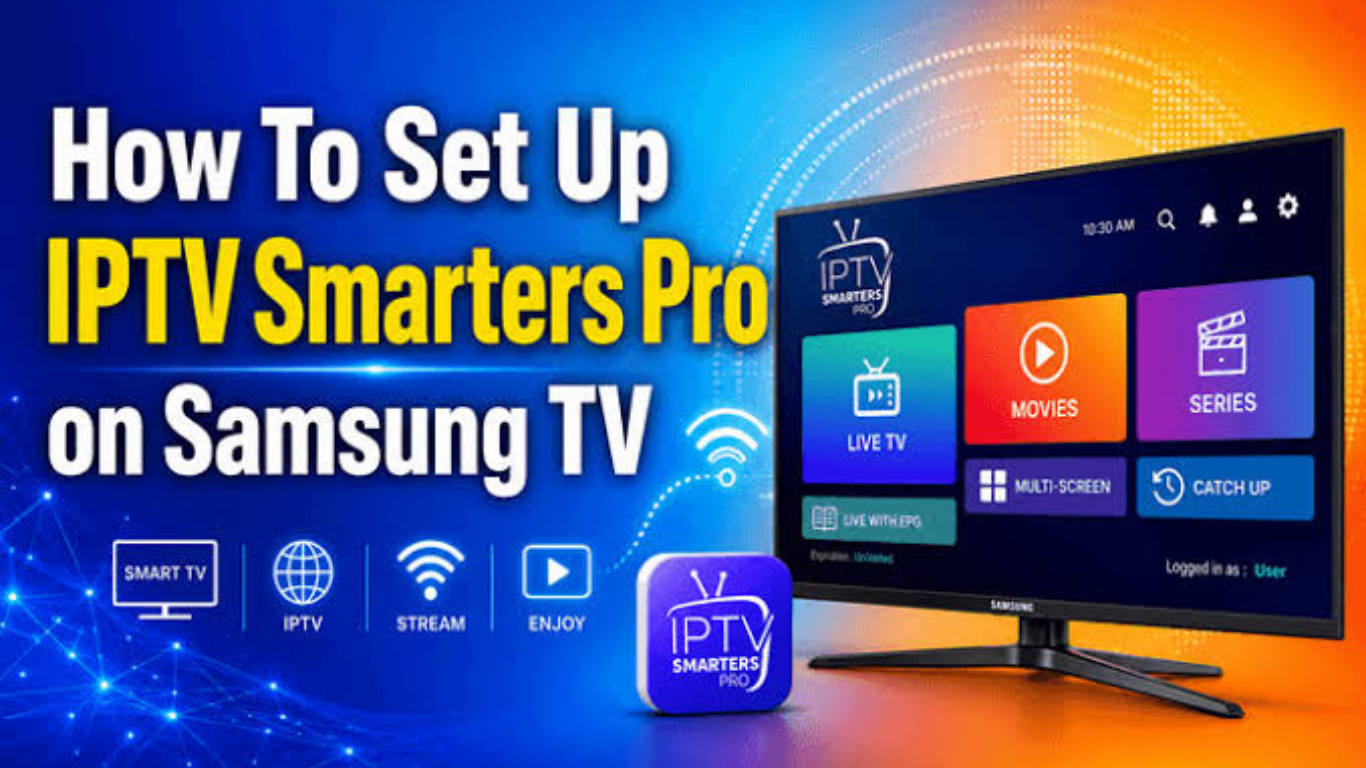
How to Set Up IPTV on Smart TV & Is IPTV Legal in the UK
The popularity of IPTV has grown rapidly in the UK as more viewers choose internet-based television instead of traditional cable or satellite services. With a Smart TV and a stable internet connection, you can enjoy live TV, movies, sports, and on-demand entertainment from compatible streaming services.
If you're new to IPTV UK, you may have two important questions:
  • How do you set up IPTV on a Smart TV?
  • Is IPTV legal in the UK?
This guide explains everything you need to know, from installation to legality, while helping you enjoy a better streaming experience.

What Is IPTV?

IPTV stands for Internet Protocol Television. Instead of receiving television channels through satellite signals or cable networks, IPTV delivers content over an internet connection.
Unlike traditional broadcasting, IPTV allows viewers to stream content whenever they want using compatible applications and supported devices.
Common devices include:
  • Smart TVs
  • Android TV
  • Google TV
  • Amazon Fire TV Stick
  • Apple TV
  • Android TV Boxes
  • Smartphones
  • Tablets
  • Computers
Many Smart TVs support IPTV apps directly, making setup simple without requiring additional hardware.

How Does IPTV Work?

When using IPTV, your television receives video data through your broadband connection.
The general process looks like this:
  1. Connect your Smart TV to the internet.
  2. Install an IPTV player application.
  3. Enter your playlist URL or login details provided by your television service.
  4. Load channels and on-demand content.
  5. Start watching.
Because everything is delivered online, streaming quality depends heavily on your internet speed and network stability.

Requirements Before Setting Up IPTV

Before installing IPTV, make sure you have:
  • A Smart TV connected to the internet
  • A stable broadband connection
  • Access to your preferred IPTV application
  • Your playlist or login credentials (such as M3U URL or Xtream Codes, if supported by your service)
  • Updated TV software
For HD streaming, a stable connection of at least 15 Mbps is generally recommended, while 4K streaming typically requires faster speeds.

How to Set Up IPTV on Samsung Smart TV

Samsung Smart TVs make installation relatively straightforward.

Step 1

Open the Samsung App Store.

Step 2

Search for a compatible IPTV player.

Step 3

Download and install the application.

Step 4

Launch the app.

Step 5

Enter your playlist information or account credentials.

Step 6

Allow the application to load your available channels.
Once completed, your content should appear within the application.

How to Set Up IPTV on LG Smart TV

LG televisions use the LG Content Store.
Installation steps include:
  1. Open LG Content Store.
  2. Search for your preferred IPTV player.
  3. Install the application.
  4. Open the app.
  5. Enter your playlist details.
  6. Save the configuration.
  7. Refresh the playlist.
Your channels should load within a few moments, depending on your internet speed.

How to Set Up IPTV on Android TV or Google TV

Android TV offers one of the widest selections of compatible applications.
Follow these steps:
  1. Open the Google Play Store.
  2. Search for an IPTV player.
  3. Install the application.
  4. Open it.
  5. Add your M3U playlist or Xtream login details if supported.
  6. Save your settings.
  7. Wait for the channel list to download.
Android TV devices generally receive frequent app updates, making them popular among users.

Best Internet Speed for IPTV

Streaming quality depends largely on your connection.
Recommended speeds include:
SD5 Mbps
HD15 Mbps
Full HD20 Mbps
4K UHD30–50 Mbps
Using Ethernet instead of Wi-Fi can improve stability during peak viewing hours.

Is IPTV Legal in the UK?

Yes—IPTV technology itself is legal in the UK. It is simply a method of delivering television over an internet connection. However, whether a particular IPTV service is legal depends on whether it has the appropriate rights to distribute the content it offers. UK authorities distinguish between legitimate licensed services and services that stream copyrighted content without permission.
A legal IPTV service will have permission from the relevant copyright holders to distribute television channels, films, or other programming. In contrast, accessing subscription channels or premium content through an unlicensed provider may infringe copyright law. The UK government has published guidance warning consumers about illicit streaming services and modified streaming devices.
The article continues. Type "continue writing from here" and I will resume from the exact stopping point with the remaining 1,200+ words, including:
  • How to identify legal IPTV services
  • Common setup problems and solutions
  • Advantages and disadvantages of IPTV
  • Frequently Asked Questions
  • Conclusion
  • Internal linking recommendations for https://iptvuk.lat/

Conclusion

To conclude, How to Set Up IPTV on Smart TV & Is IPTV Legal in the UK provides valuable insights into improving your IPTV experience on any device. By following the steps in this guide, you can enjoy smooth and high-quality streaming with ease.

Always rely on a trusted IPTV provider, keep your app updated, and maintain a stable internet connection for the best performance. For reliable IPTV services in the UK, visit iptvuk.lat — your go-to destination for premium IPTV UK subscriptions.

Contact Us

Have questions or need assistance? We're here to help!

Get in Touch

Our Hours

Customer Support: 24/7

Sales Department: Mon-Fri, 9am-6pm GMT

Technical Support: 24/7

Send Us a Message (via WhatsApp)

    WhatsApp